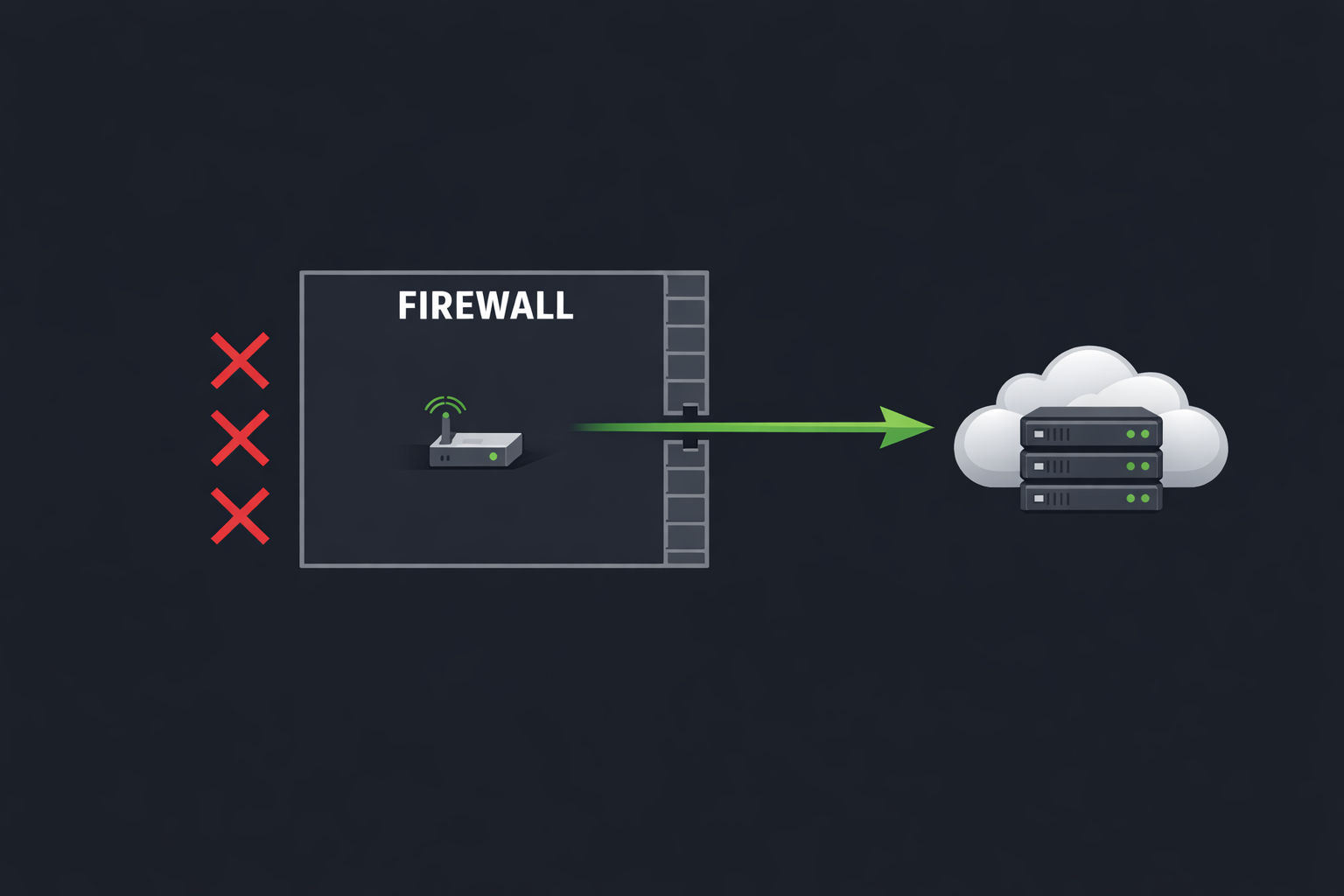
Every ProxyPass node makes exactly one type of network connection: outbound. It reaches out to the ProxyPass cloud over an encrypted TCP socket on a standard HTTPS port. Nothing ever connects inward to the node.
This is a deliberate architectural decision, and it has significant security implications.
The Problem With Inbound Ports
When you open an inbound port — for a VPN, for SSH, for any service — you create an attack surface. That port is visible to port scanners. It accepts connections from anyone who finds it. You need to secure it with credentials, certificates, rate limiting, and monitoring. And you need the cooperation of whoever manages the remote network's firewall.
ProxyPass eliminates all of this. The node's outbound connection looks like normal HTTPS traffic to the remote network. No ports to open, no firewall rules to request, no attack surface added to the customer's network.
A Real-World Scenario: The Hospital Network
Consider deploying monitoring equipment in a hospital. The IT department has strict policies — no inbound ports, period. Every device that connects inward requires a security review, a risk assessment, paperwork, and weeks of approval. A VPN request goes through three committees. Port forwarding is banned entirely.
But outbound HTTPS traffic? That flows freely. Every computer in the hospital makes outbound HTTPS connections all day — to websites, cloud services, software updates. A ProxyPass node does the same thing. It makes one outbound connection to the ProxyPass cloud, indistinguishable from any other HTTPS traffic. No security review triggered. No committee involved. No policy violated.
You install the node, it connects, and you have access to the equipment in the hospital network — from your office, securely, through the tunnel. The hospital's IT team does not need to know about it because their network's external security posture did not change.
Frictionless Deployment
This extends to every managed environment. You do not need to know the remote network's topology, router model, or firewall vendor. You do not need admin credentials for the edge router. If the machine can make an outbound HTTPS connection — and virtually every networked machine can — ProxyPass works.
Honest About What This Means
To be clear: the tunnel does provide access into the remote network — that is the entire point. But the access is controlled from your side, authenticated with API keys, and invisible to the remote network's attack surface. No port is listening. No service is exposed. There is nothing for an external attacker to discover or exploit. That is why outbound-only connections rarely trigger IT security concerns — the network's external posture does not change.
Auto-Reconnect
The tunnel stays up through auto-reconnect. If the connection drops — network hiccup, ISP restart, power cycle — the node re-establishes the tunnel automatically within about 30 seconds. No manual intervention, no monitoring required.
Outbound-only is not a limitation. It is the entire point.