Most tunneling solutions offer one way in. You get an HTTP tunnel, or a TCP relay, or a reverse proxy — and you make everything else fit around it.
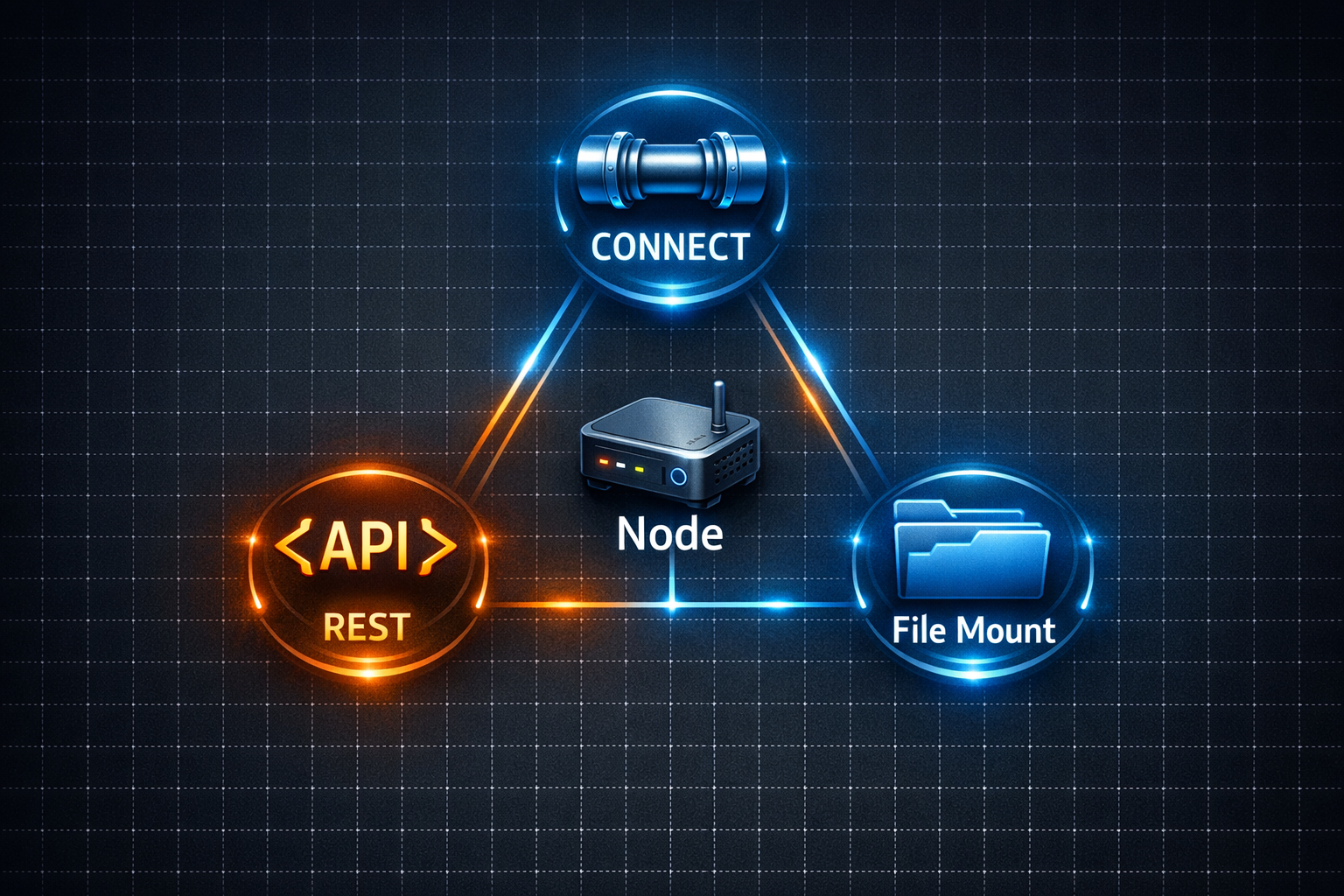
ProxyPass takes a different approach. A single node, installed once, supports three distinct access modes. Each mode is designed for a different type of workload, and they work on the same tunnel connection.
CONNECT Mode
Raw TCP tunneling. Any protocol your client supports through an HTTP CONNECT proxy works: SSH, RDP, SFTP, database connections, HTTPS browsing. ProxyPass does not inspect or terminate your session — bytes flow end-to-end encrypted.
REST Bridge Mode
Send API calls to HTTP devices inside the remote LAN. You send an HTTPS request to your ProxyPass subdomain with headers specifying which node and which local target to hit. The node forwards the request over local HTTP. This is the only way to securely reach plain-HTTP devices from outside their network without modifying the device.
File Mount Mode
Expose a local directory as a full read/write WebDAV endpoint. Browse, upload, download, delete, and organize files through a browser, a mounted network drive, or any HTTP client.
A Day With All Three Modes
Here is what a typical day looks like for an IT admin managing remote infrastructure through ProxyPass:
8:30 AM — A monitoring alert shows a service crashed on a server at a customer site. You open your SSH client, configured to use ProxyPass as a proxy, and connect to the server's local IP. You are in a shell within seconds. Check the logs, restart the service, confirm it is running. CONNECT mode.
11:00 AM — A warehouse manager reports that a temperature sensor at a remote facility is showing unusual readings. You send a quick GET request through the REST Bridge to the sensor's local API, pulling the current readings and diagnostic data. Everything looks normal — it was a brief spike, already resolved. REST Bridge mode.
5:00 PM — Before leaving for the day, you check that last night's database backups completed successfully. You open the File Mount endpoint in your browser, browse the backup directory on the production server, and verify the file sizes and timestamps. Everything is there. You also upload an updated configuration file for tomorrow's maintenance window. File Mount mode.
Three different tasks. Three different protocols. One node on each network, installed once, running quietly in the background.
Deploy Anywhere
The node runs on Docker (Linux — amd64, arm64, armv7) or as a native Windows service (x64, x86, ARM64). It requires no inbound ports, no firewall changes, and no DNS configuration on the remote side. Installation is a single command.
One deployment. Three capabilities. No compromises on security. Whether you need remote device management, secure IoT access, off-site backup automation, or remote desktop without VPN — a single ProxyPass node covers it.