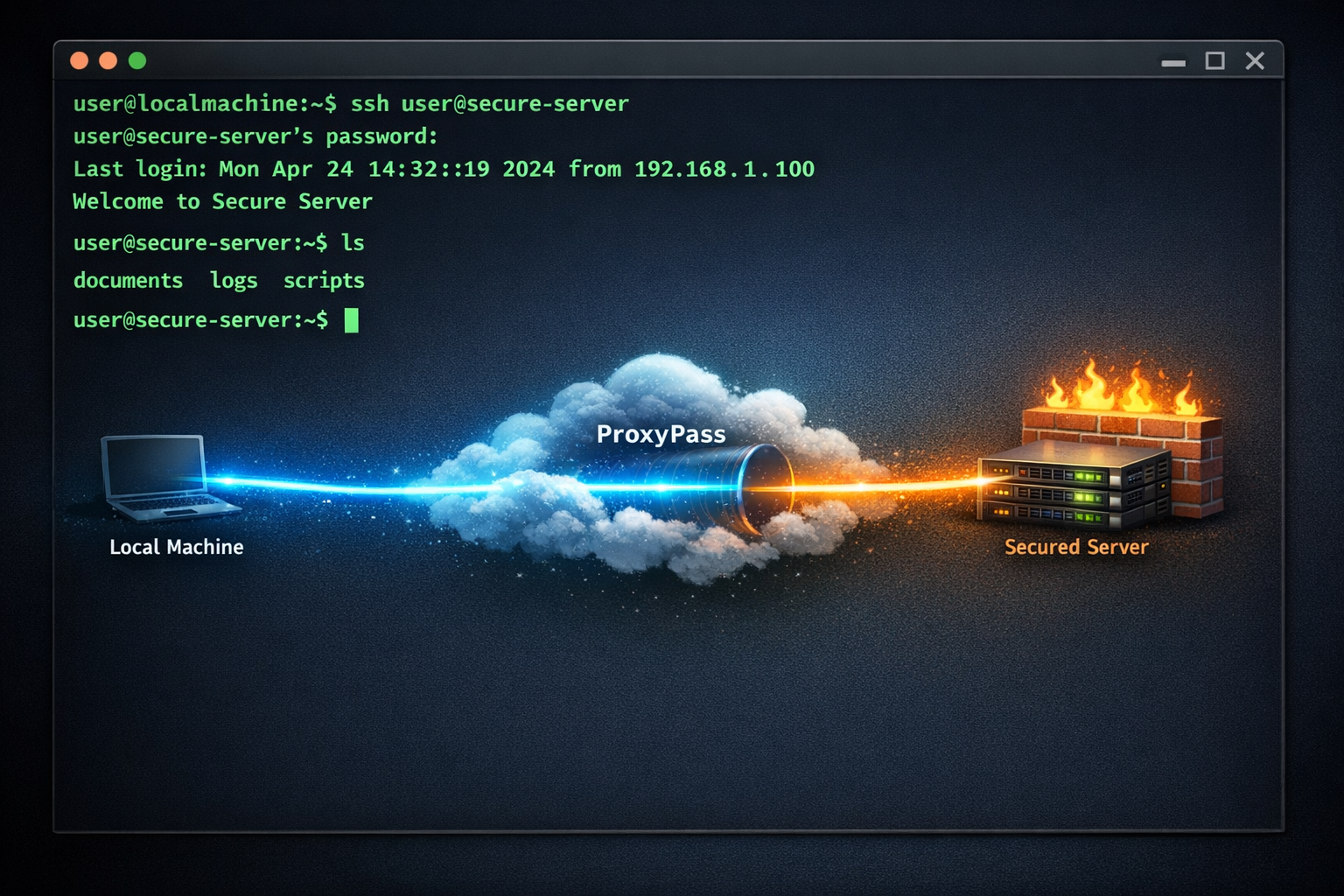
SSH is the standard for remote server management. But SSH requires an open port — typically 22 — on the target machine. If that machine sits behind a NAT, a corporate firewall, or a network you do not manage, reaching port 22 is not straightforward.
SSH Over CONNECT Proxy
ProxyPass makes SSH accessible through the CONNECT proxy. You configure your SSH client to use the ProxyPass node as an HTTP proxy, and the CONNECT tunnel routes your SSH traffic through the existing encrypted connection to the remote network. No port 22 exposed to the internet. No VPN. No firewall change request filed with the customer's IT team.
From the SSH client's perspective, the connection is direct. You authenticate with the remote server normally — keys or password. The SSH session runs inside the CONNECT tunnel, which means your traffic is double-encrypted: once by SSH itself, and once by the TLS tunnel. ProxyPass cannot see your commands, your output, or your credentials. It is just passing encrypted bytes.
Scenario: Emergency Server Fix at a Customer Site
It is Saturday evening. Your monitoring alerts you that a customer's server is approaching full disk space — database logs are growing unchecked. The customer's office is closed. There is no VPN. The server has no public IP.
But there is a ProxyPass node on the same network. You open your terminal, configure the proxy, and SSH into the server using its local IP address. You find the runaway log file, clean it up, set up log rotation, and the disk usage drops from 94% to 37%. Total time: 12 minutes, from your couch.
Without ProxyPass, this would have been a Monday morning emergency — the disk fills up over the weekend, the database crashes, and Monday starts with data recovery instead of productive work.
Beyond SSH
This also works for SFTP, SCP, and any other protocol that rides on SSH. File transfers, remote editing, port forwarding through SSH — all of it works through the ProxyPass tunnel without modification.
No Dependencies on the Remote Side
The practical difference from traditional SSH is that the remote server does not need a public IP or an open port. It only needs a ProxyPass node on the same network, making an outbound connection. That node becomes your gateway to every SSH-accessible machine in that network.
For managed service providers, system administrators, and DevOps teams who need access to servers in customer environments, this eliminates the most common blocker: getting network access approved. Outbound connections rarely require approval. SSH over ProxyPass inherits that simplicity.