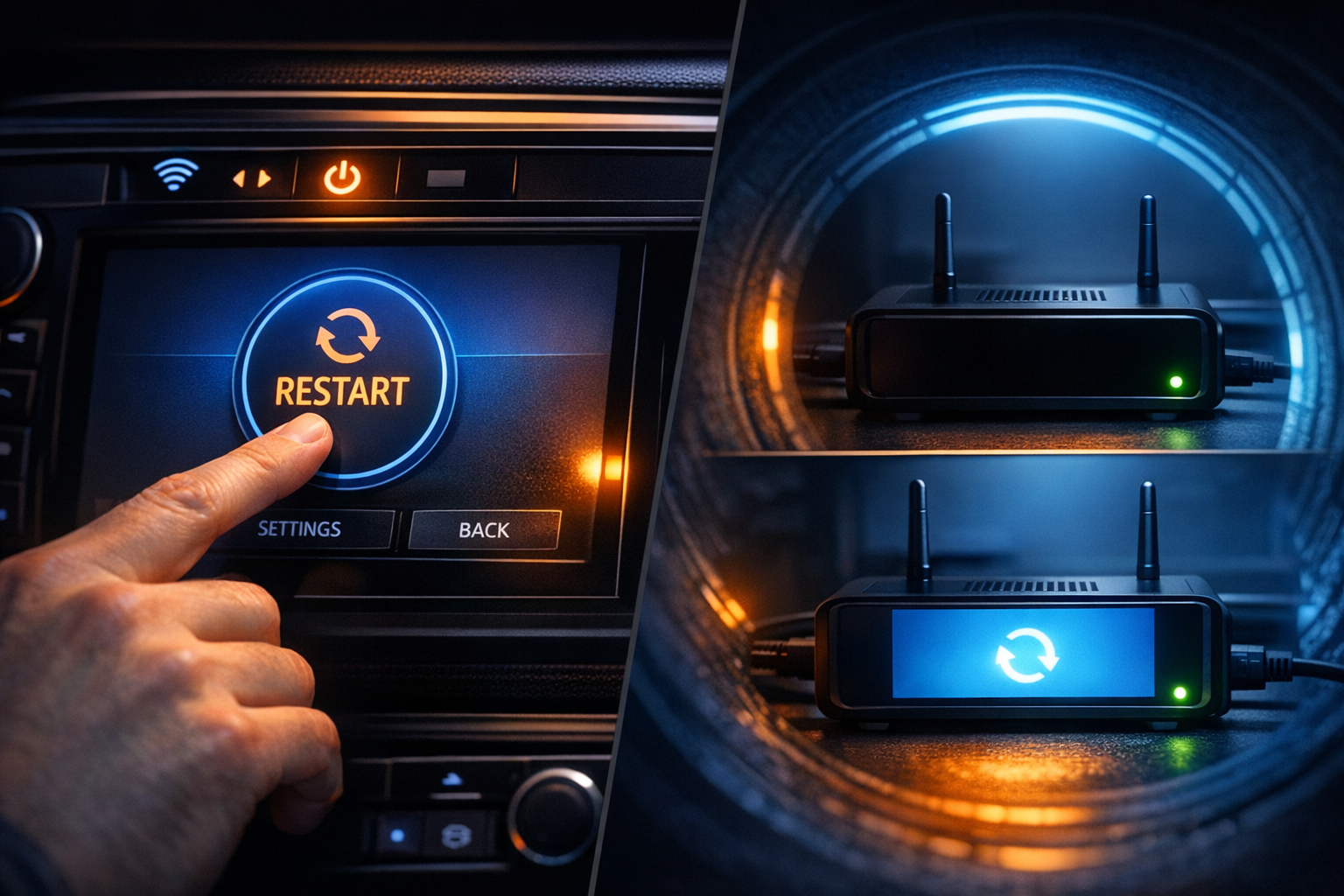
Sometimes a device just needs a restart. A process is stuck. Memory is full. A configuration change requires a reboot. When that device is in a warehouse across the country, you need a way to do it remotely.
Two Restart Options
ProxyPass provides remote restart through the Management API or directly from the dashboard. You send a POST request to the restart endpoint with the node's ID — or click the restart icon next to the node in the dashboard — and specify the restart type:
- Container restart — stops and restarts the ProxyPass node container. Handles most situations: applying configuration changes, clearing stuck states, or recovering from unexpected behavior in the workload running alongside the node. The node goes offline briefly and reconnects.
- OS restart — triggers a full reboot of the host machine. Addresses hardware-level issues, kernel updates, or problems outside the container. The machine restarts, Docker starts, the node container starts, and it reconnects to ProxyPass.
Both options work through the existing tunnel. No SSH access. No remote desktop session. No BMC or IPMI configuration. If the node is online and connected to ProxyPass, you can restart it.
Scenario: The Frozen Signage Player at 11 PM
A digital signage player at a shopping center has frozen — the screen is showing a static image instead of the rotating content. The mall closes in an hour. A technician visit is not an option at this time of night.
You open the ProxyPass dashboard on your phone, find the node for that location, and tap Restart → OS. The player reboots. The signage application starts automatically on boot. Within two minutes, the content is rotating again. Total effort: 30 seconds on your phone while watching TV.
Without remote restart, this would have been a frozen screen until the next business day, a complaint from the mall management, and a technician dispatch costing time and money.
Automation Integration
The API returns confirmation with the node ID, restart status, and the type of restart performed. Your monitoring and automation systems can integrate this directly — trigger a restart when a health check fails, when memory usage exceeds a threshold, or on a scheduled maintenance window.
For fleet operators running hundreds of unattended devices — digital signage players, kiosk terminals, IoT gateways — remote restart eliminates the most common reason for dispatching a technician: "Have you tried turning it off and on again?"
Now you can do that from your desk. Or from your phone. Or from a script that runs at 3 AM.