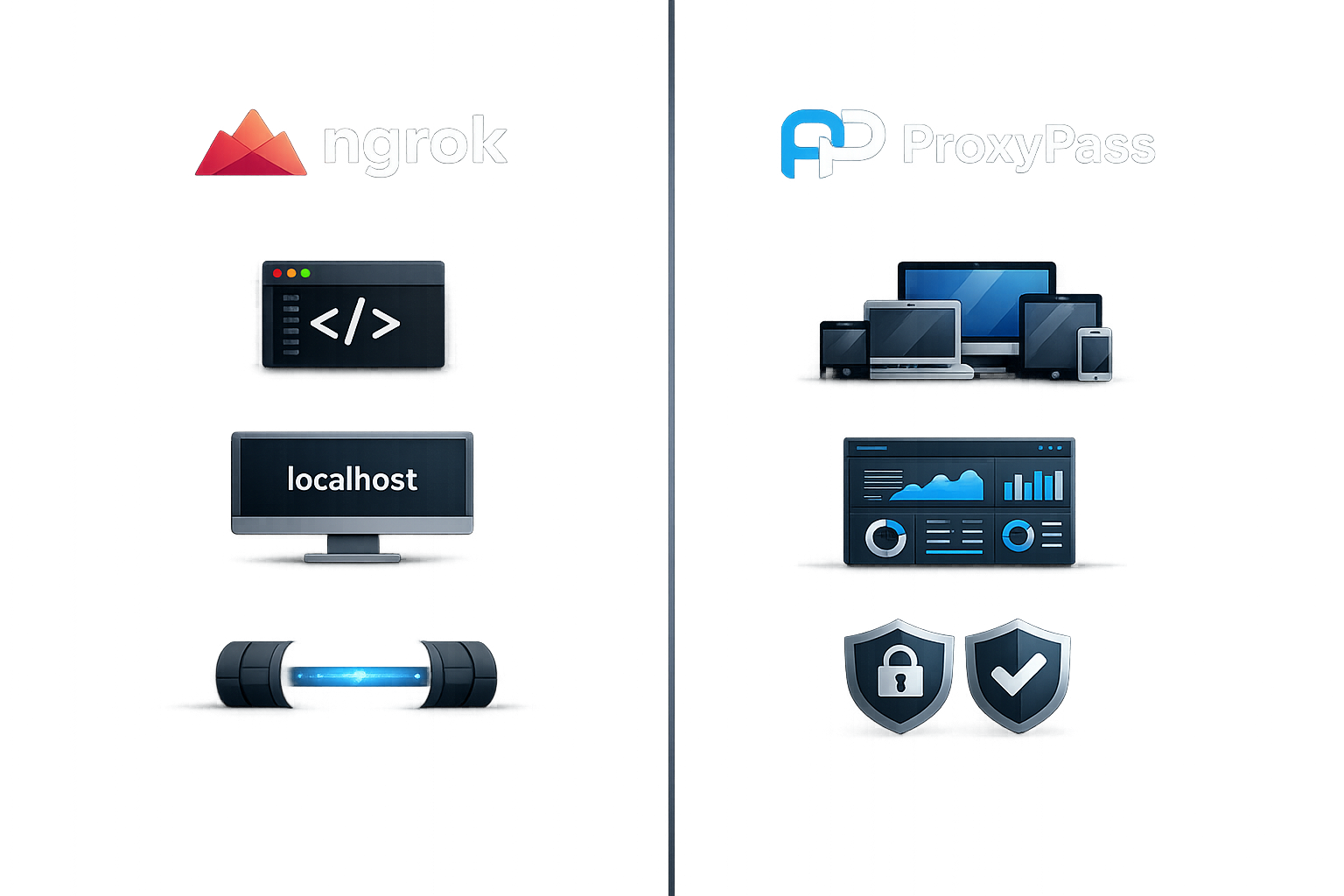
ngrok is an excellent tool. It makes a local port accessible from the internet in seconds. For developers testing webhooks, sharing a staging server, or demoing a project, it is nearly unbeatable.
ProxyPass is not competing with ngrok for that use case.
Where the Differences Emerge
The differences emerge when you move from "one developer, one tunnel" to "one operations team, many devices." ngrok is built for developer experience — fast setup, friendly CLI, generous free tier, rich documentation. ProxyPass is built for fleet operations — persistent tunnels on remote hardware, centralized management, security controls for multi-device deployments.
Feature Comparison
Pricing: ngrok's free tier limits you to one tunnel with session timeouts. Paid plans scale per seat and per tunnel. ProxyPass charges per node with graduated volume discounts — the more nodes you run, the less each one costs.
Fleet Features: ngrok provides traffic inspection, request replay, and built-in OAuth — features that make development faster. ProxyPass provides node groups, hardware-bound IDs, one-time install keys, remote restart, auto-update, and webhooks — features that make fleet management reliable.
Privacy: ngrok logs requests and provides inspection tools by design. ProxyPass does not log traffic content by design. This is not a quality judgment — it reflects different use cases. Developers want visibility. Fleet operators managing devices at customer sites want privacy.
Hosting: ngrok's infrastructure is US-based. ProxyPass runs exclusively on German servers. For European businesses with GDPR obligations, hosting jurisdiction matters.
The Honest Summary
If you are a developer who needs to expose localhost for testing, use ngrok. If you are managing a fleet of remote devices that need persistent, secure, private tunnels — that is what ProxyPass is built for.
Different tools. Different problems. Both good at what they do.