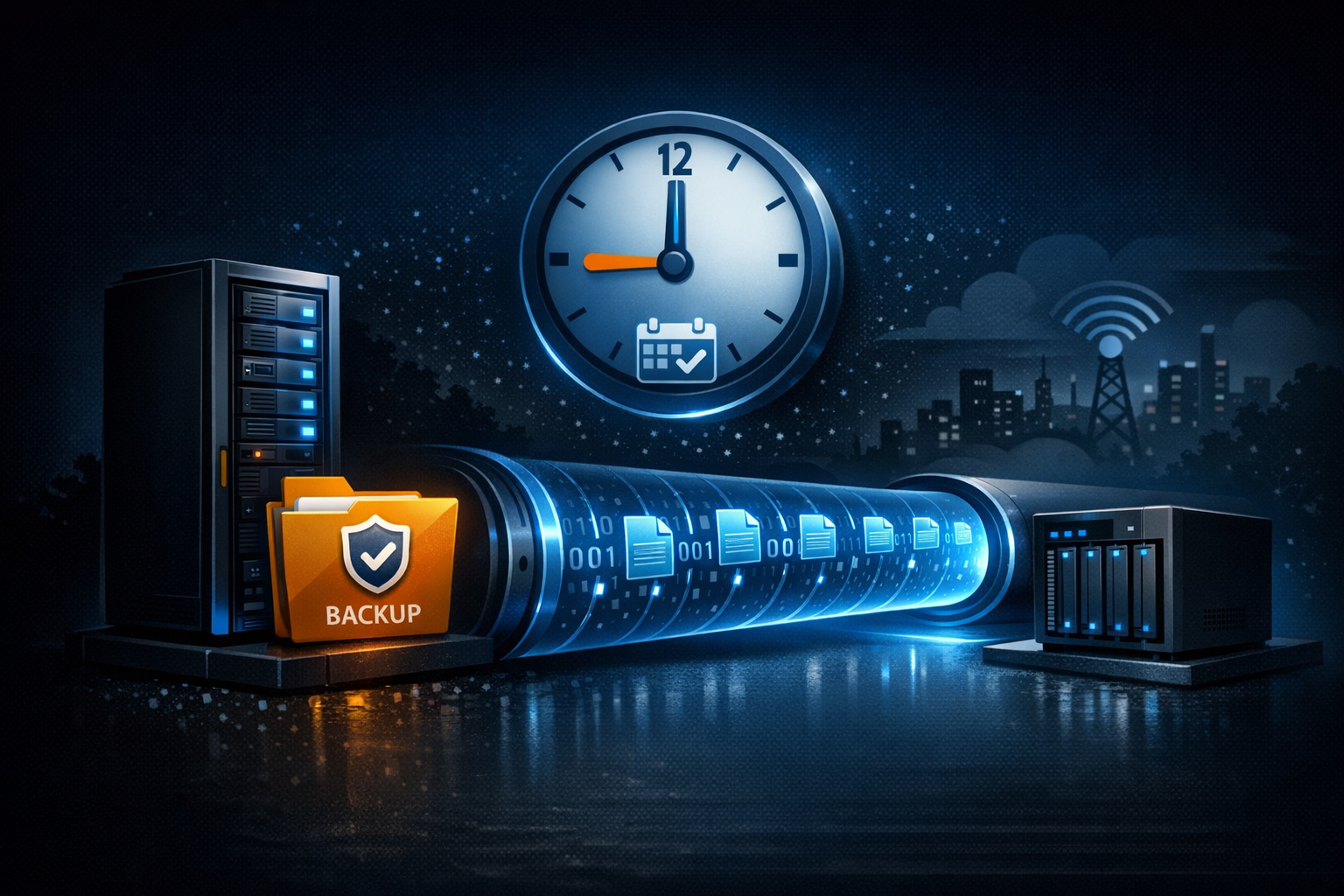
Production servers generate backups. Database dumps, configuration exports, log archives — critical data that needs to exist in more than one place. If the only copy lives on the same machine that created it, you do not have a backup. You have a single point of failure.
How File Mount Mode Solves This
File Mount Mode in ProxyPass solves this without adding complexity to the production server. You deploy a node on the server, configure it to expose the backup directory over WebDAV, and set up a scheduled job on your local NAS (or any machine in a different location) that pulls new files at regular intervals.
The NAS connects to the WebDAV endpoint using standard HTTP requests — PROPFIND to list files, GET to download, HEAD to check sizes and timestamps. No special client library needed. Any HTTP client or WebDAV-compatible tool works.
Scenario: Four Production Servers, One NAS
You run four production servers across different hosting providers — one for your web application, one for your database, one for your API, and one for your file storage. Each generates nightly backups at 2 AM.
You deploy a ProxyPass node on each server. On your NAS at home, a cron job runs at 3 AM (giving the backups an hour to complete):
- Connect to each server's WebDAV endpoint
- List files in the backup directory
- Download any files newer than the last pull
- Verify file sizes match
By 3:30 AM, four fresh off-site backups sit on your NAS. No FTP server configured. No SSH keys exchanged. No backup agent installed. The production servers run nothing extra — just the lightweight ProxyPass node they already had for remote management.
Bidirectional When You Need It
The WebDAV endpoint supports full read and write access, so you can also push files to the server through the same channel — restore a backup, upload a configuration update, or deploy new assets. But for the off-site backup use case, the pull model is cleanest: the NAS is in control, pulling what it needs on its own schedule.
Path Protection
Path traversal protection ensures the exposed directory cannot be escaped. Both the cloud server and the node verify that requested paths stay within the configured mount directory. No access to anything outside the intended folder. Two layers of protection, zero chance of escape.
For businesses running multiple production servers across different hosting providers or locations, File Mount Mode with ProxyPass provides a consistent backup pull mechanism. One WebDAV endpoint per server, one scheduled job per backup, one dashboard to verify everything is connected.