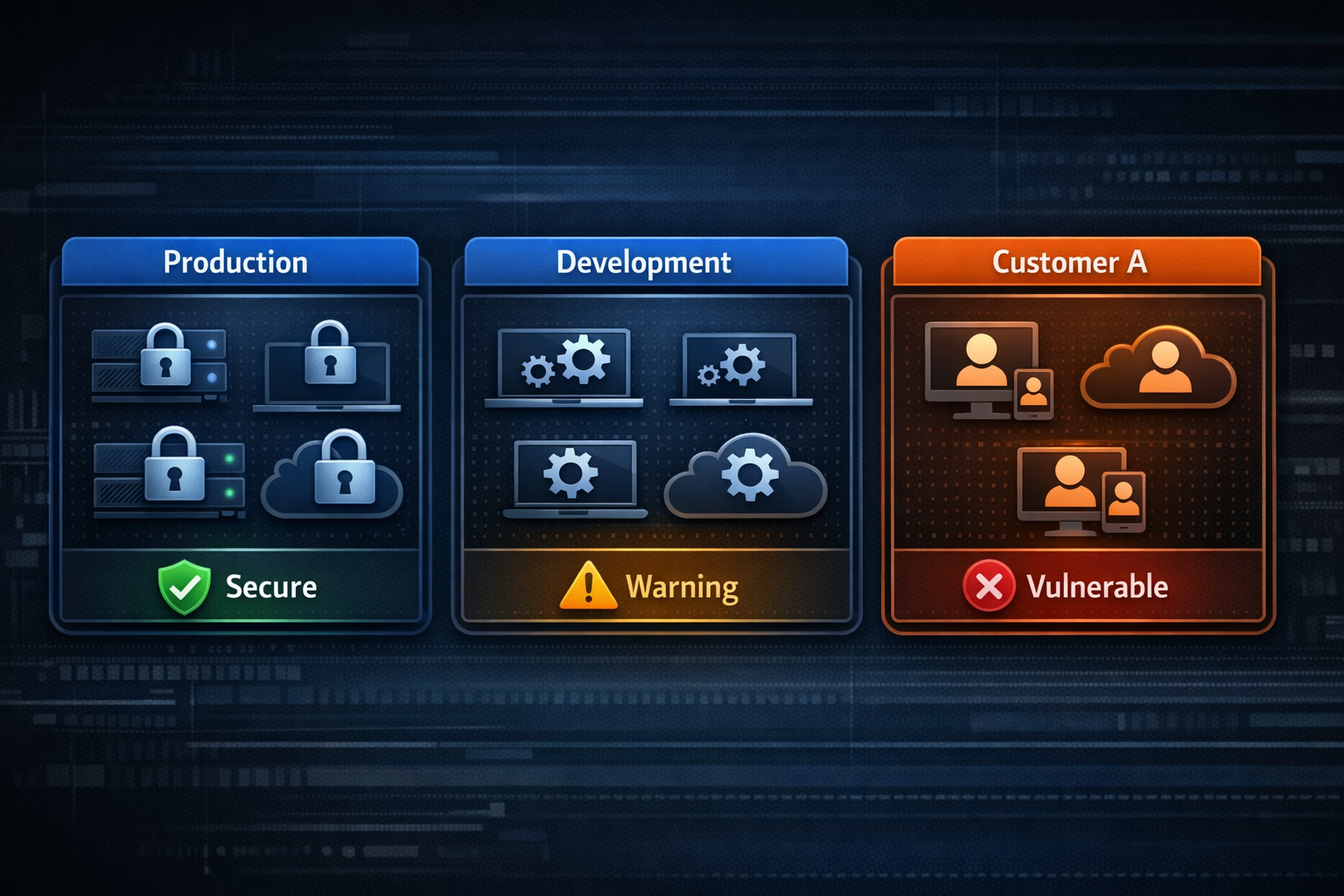
When you manage more than a handful of nodes, you need structure. Node Groups in ProxyPass let you organize your fleet and apply security policies at the group level.
Every node belongs to exactly one group. Groups have a name and optional description, and they control several security and operational settings that apply to all nodes within them.
Group Settings
- Auto-Update on Connect — determines whether nodes automatically receive the latest version when they connect. Enable for production groups that should always run current. Disable for test groups where you want to validate updates first.
- Custom Node API Keys — controls whether individual nodes can have their own API keys instead of sharing the group key. Essential for multi-tenant deployments.
- Require Individual API Key — every node in the group must have its own key. New nodes get one automatically. No node operates on the shared group key alone.
- Protected Group — new nodes can only join using a one-time install key that you generate. Prevents unauthorized devices from registering.
Scenario: The Three-Group Setup
A managed service provider runs ProxyPass with three groups:
"Development" — auto-update enabled, shared API key, no protection. The team's test nodes. Maximum convenience for testing new features and configurations. Break things here, not in production.
"Production-Internal" — auto-update enabled, individual keys required, protected. The company's own infrastructure — servers, monitoring equipment, office devices. Every node is explicitly authorized and individually authenticated.
"Customer-Sites" — auto-update disabled (updates are tested internally first), individual keys required, protected. Nodes deployed at customer locations. Each customer's node has its own key. Updates roll out after internal testing. New nodes require an explicit install key from the MSP.
Three groups, three security postures, one dashboard. The development group is loose and fast. The production group is locked down. The customer group is locked down and update-controlled. Each group's settings match its risk profile.
Moving Nodes Between Groups
You can move nodes between groups as their role changes, adjusting their security posture without reinstalling anything. A node starts in Development, gets promoted to Production-Internal after testing, and eventually gets reassigned to Customer-Sites when it ships to a client.