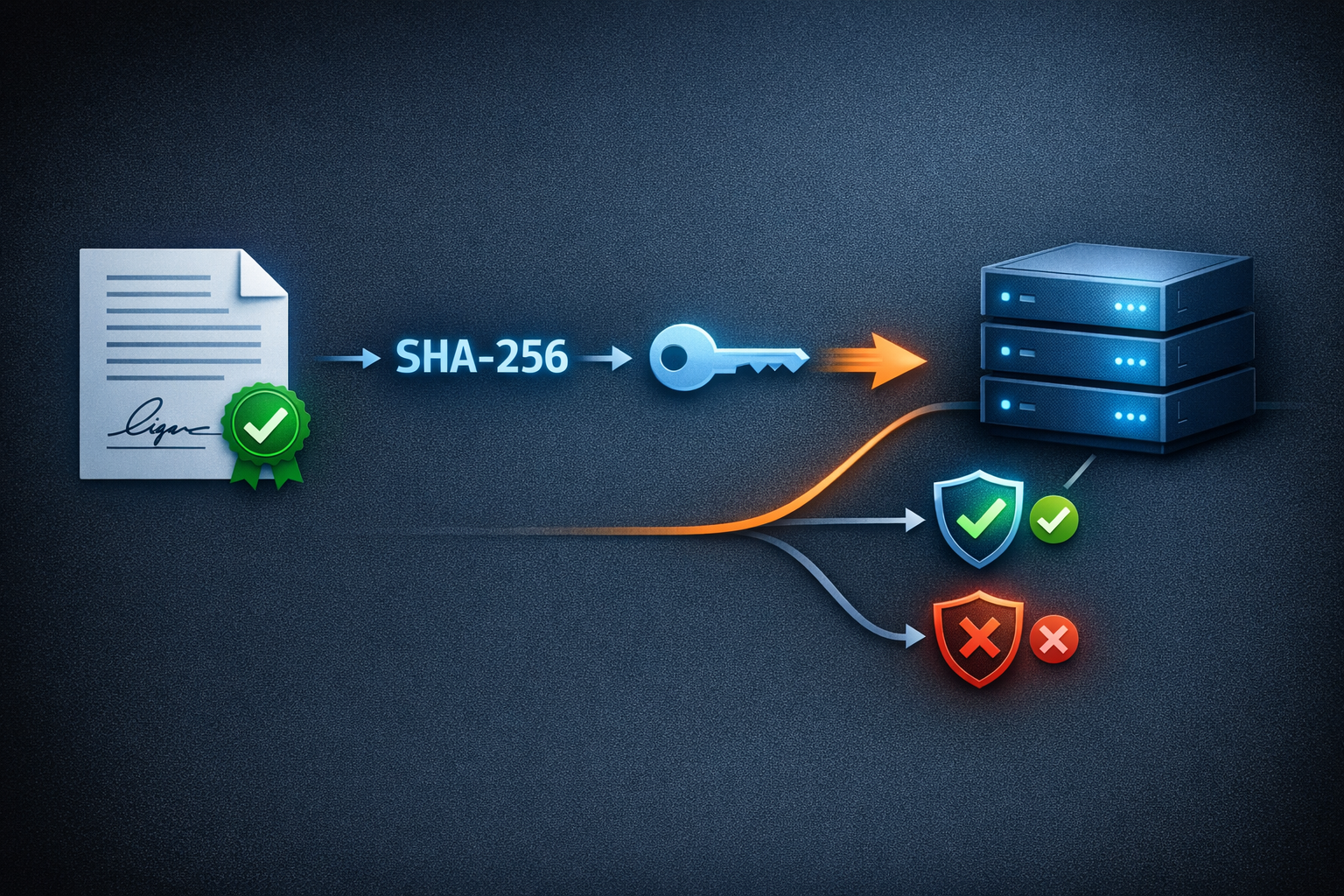
When ProxyPass sends a webhook to your endpoint — a node came online, went offline, or was deleted — how do you know the request actually came from ProxyPass and not from someone spoofing it?
Cryptographic Verification
The answer is HMAC-SHA256 signing. Every webhook payload is signed with a secret key that only you and ProxyPass know. When your endpoint receives the webhook, it recalculates the signature using the shared secret and compares it to the one in the request. If they match, the payload is authentic and untampered.
Setting this up in ProxyPass takes about 30 seconds. In your webhook settings, you configure your endpoint URL and receive a signing secret. ProxyPass generates this secret for you, and you can regenerate it at any time if you suspect it has been compromised.
Five Event Types
The webhook system supports five event types:
- Node Online — a node connected to the proxy
- Node Offline — a node disconnected
- New Node — a node was seen for the first time or reconnected after being removed
- Node Deleted — a node was removed by the customer
- Node Settings Changed — an API key was generated, regenerated, or deleted for a node
Each event can be toggled individually. If you only care about nodes going offline — because that might indicate a hardware failure at a remote site — you enable only that event. No noise from routine connect/disconnect cycles.
Scenario: Proactive Monitoring That Beats the Customer
It is Tuesday afternoon. A ProxyPass node at a retail location goes offline — the store's internet connection dropped. Within five minutes (events are debounced to filter transient disconnects), ProxyPass sends a webhook to your monitoring endpoint.
Your monitoring system receives the webhook, verifies the HMAC-SHA256 signature to confirm it is authentic, and triggers an alert. A push notification lands on your phone: "Node 'Store-Hamburg-01' went offline at 14:23."
You check the store's ISP status page — there is a regional outage. You know the node will reconnect automatically when the internet comes back. No action needed right now, but you log the incident.
At 14:47, the internet comes back. The node reconnects within 30 seconds. ProxyPass sends a Node Online webhook. Your monitoring system updates the status. Before the store manager even notices anything happened, your team already knows about the outage, its duration, and the recovery.
That is the difference between reactive support — waiting for the phone to ring — and proactive monitoring that knows about problems before anyone else does.
Security Options
There is one additional security option: you can choose whether to include API keys in webhook payloads. By default, this is off. Only enable it if your webhook endpoint is secure, because API keys in transit — even over HTTPS — add exposure.
History and Replay
ProxyPass also provides a webhook history with replay capability. If your endpoint was down when an event fired, you can see what was sent and replay it. Failed deliveries are retained with their payloads so you have full context when investigating issues.
This is infrastructure-grade event handling. No polling for status changes. No manual dashboard checks. Your systems know what is happening in your fleet the moment it happens, with cryptographic proof that the notification is real.